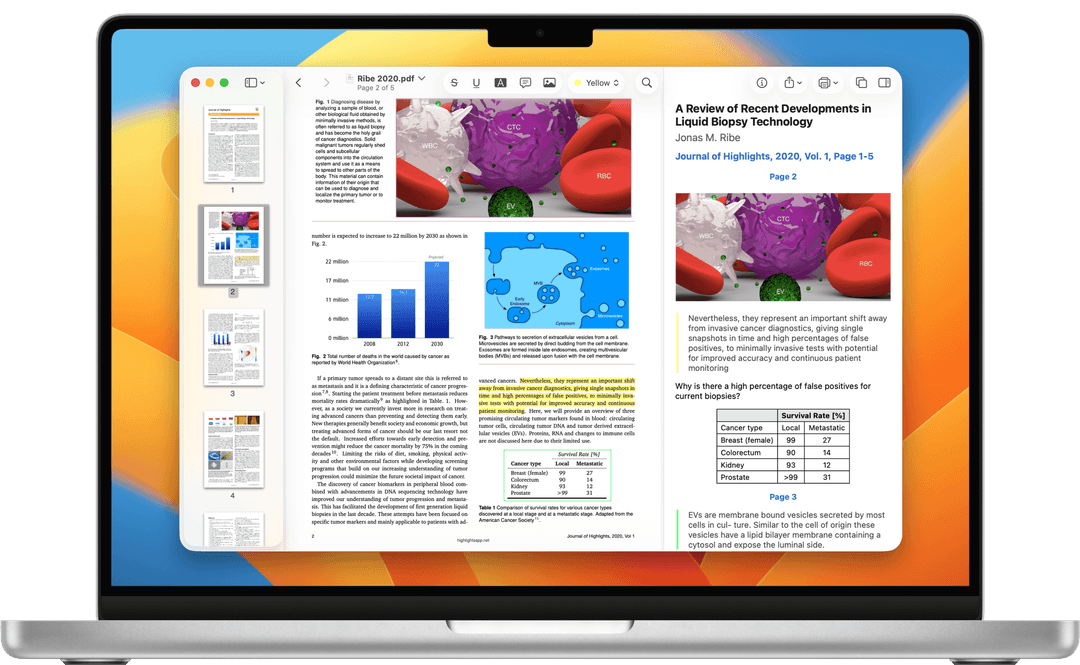
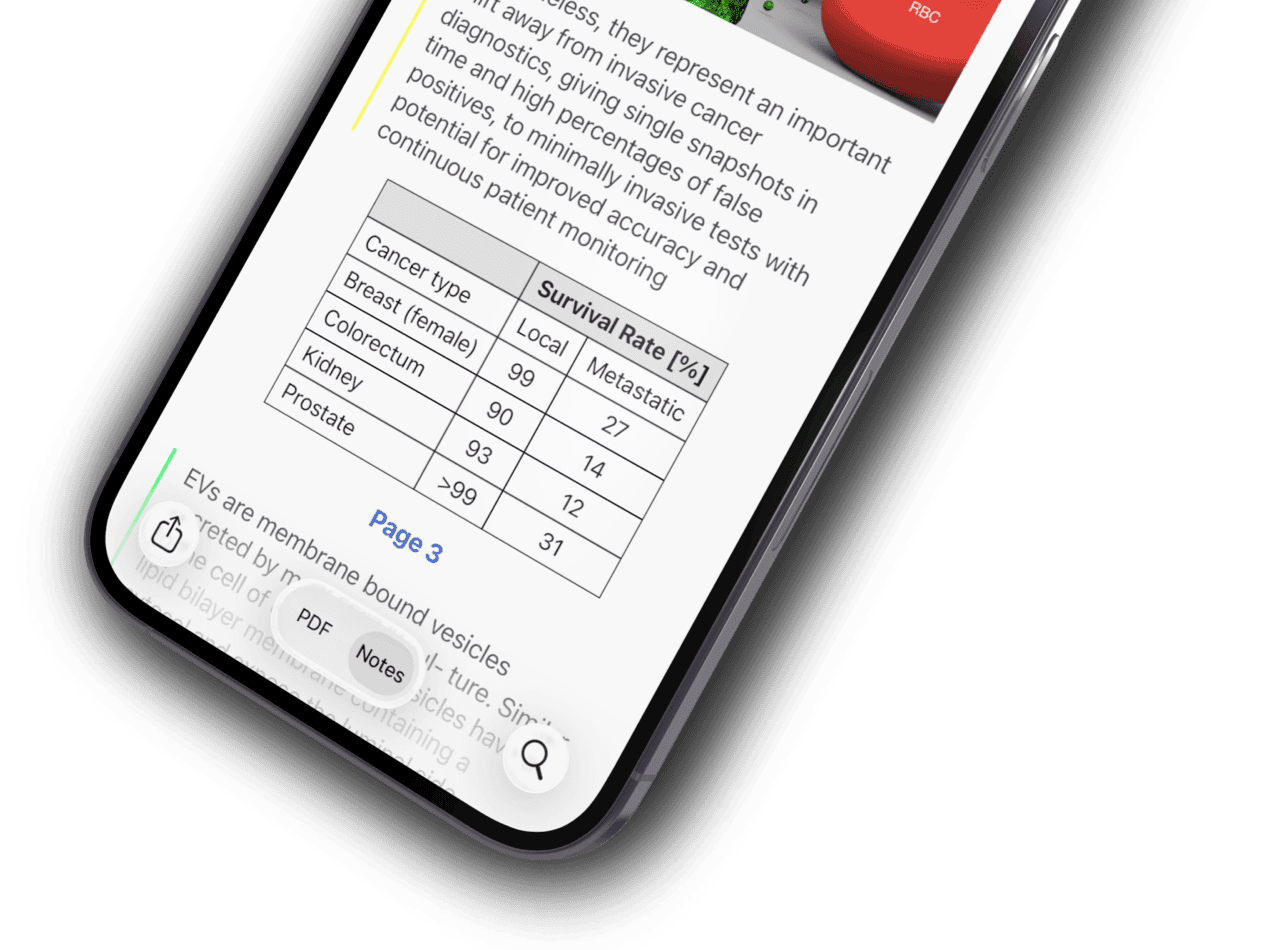
The PDF Super-App for iPhone & Android
Scan, read, edit, and annotate any PDF — launching soon on the App Store and Google Play.
Be the first to know when PDF SuperApp launches. We’ll email you the download link the moment it’s live.
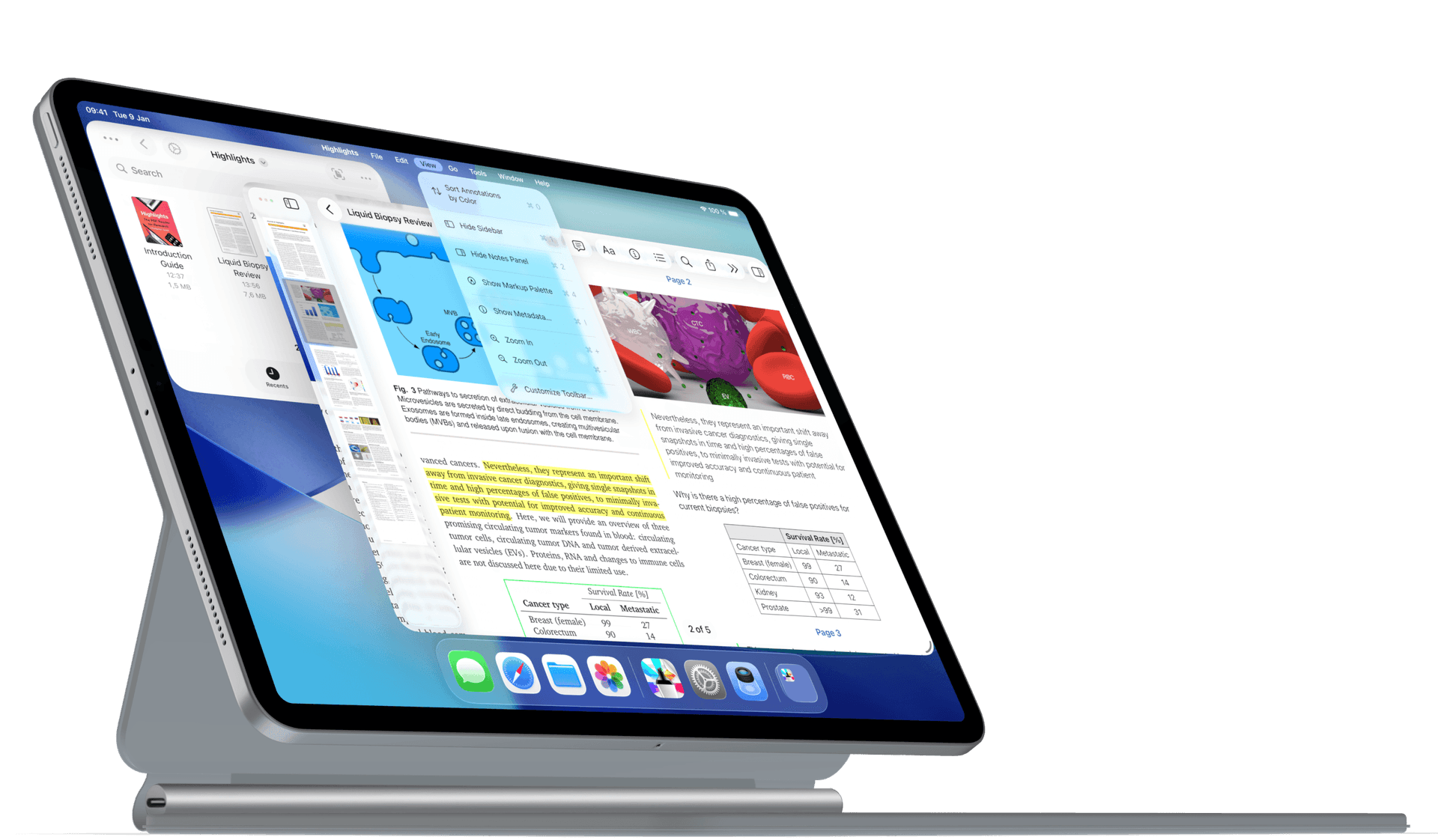

Export Anywhere

Annotate Faster

Lookup Citations

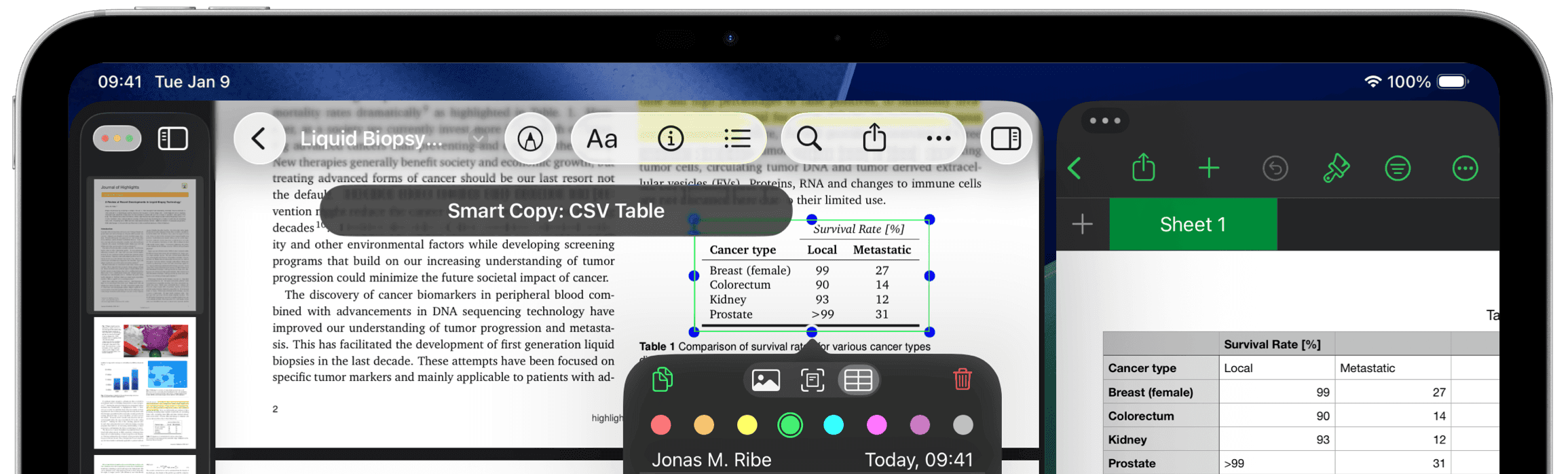
Smart Copy

Files Integration

Dark Mode
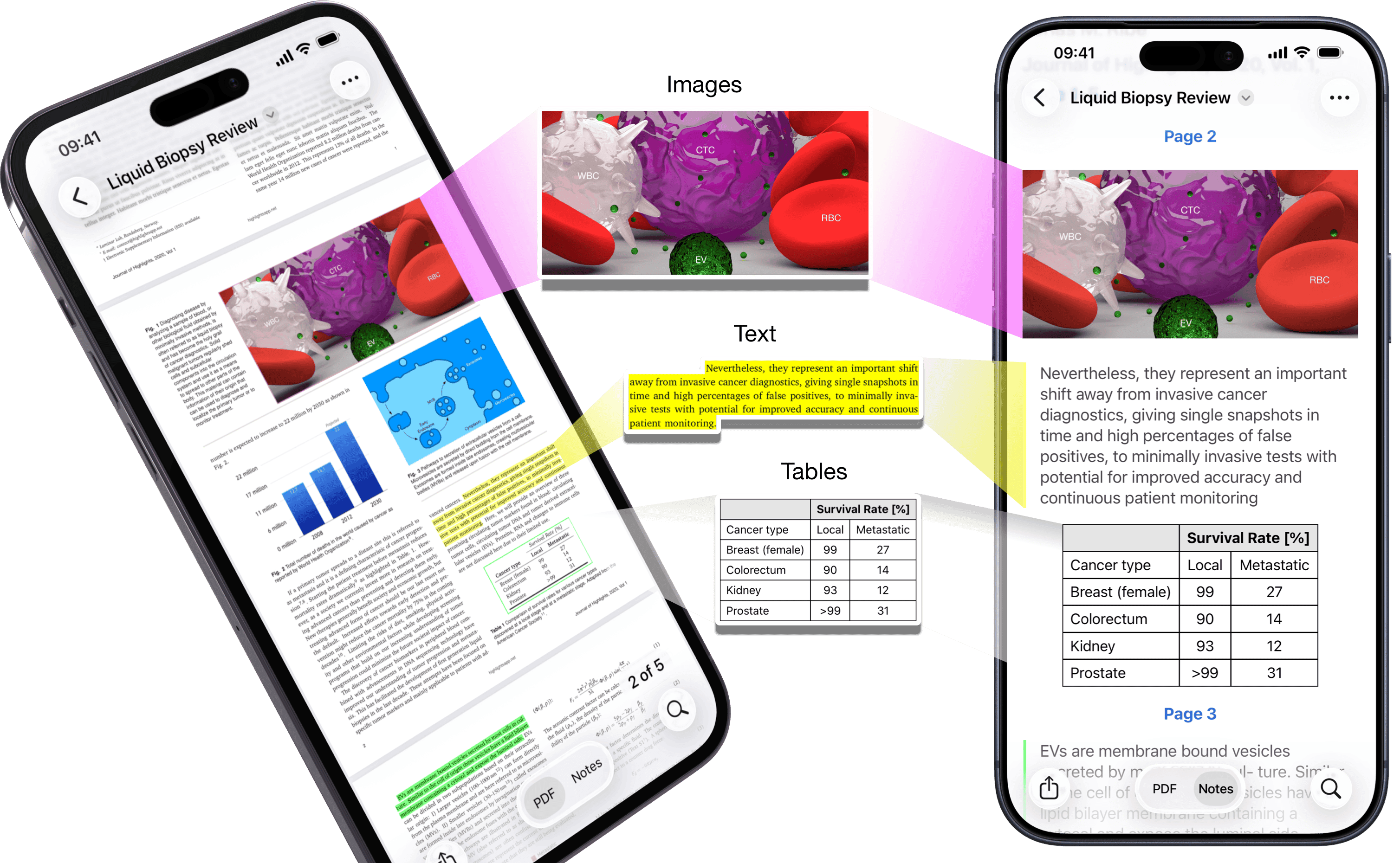
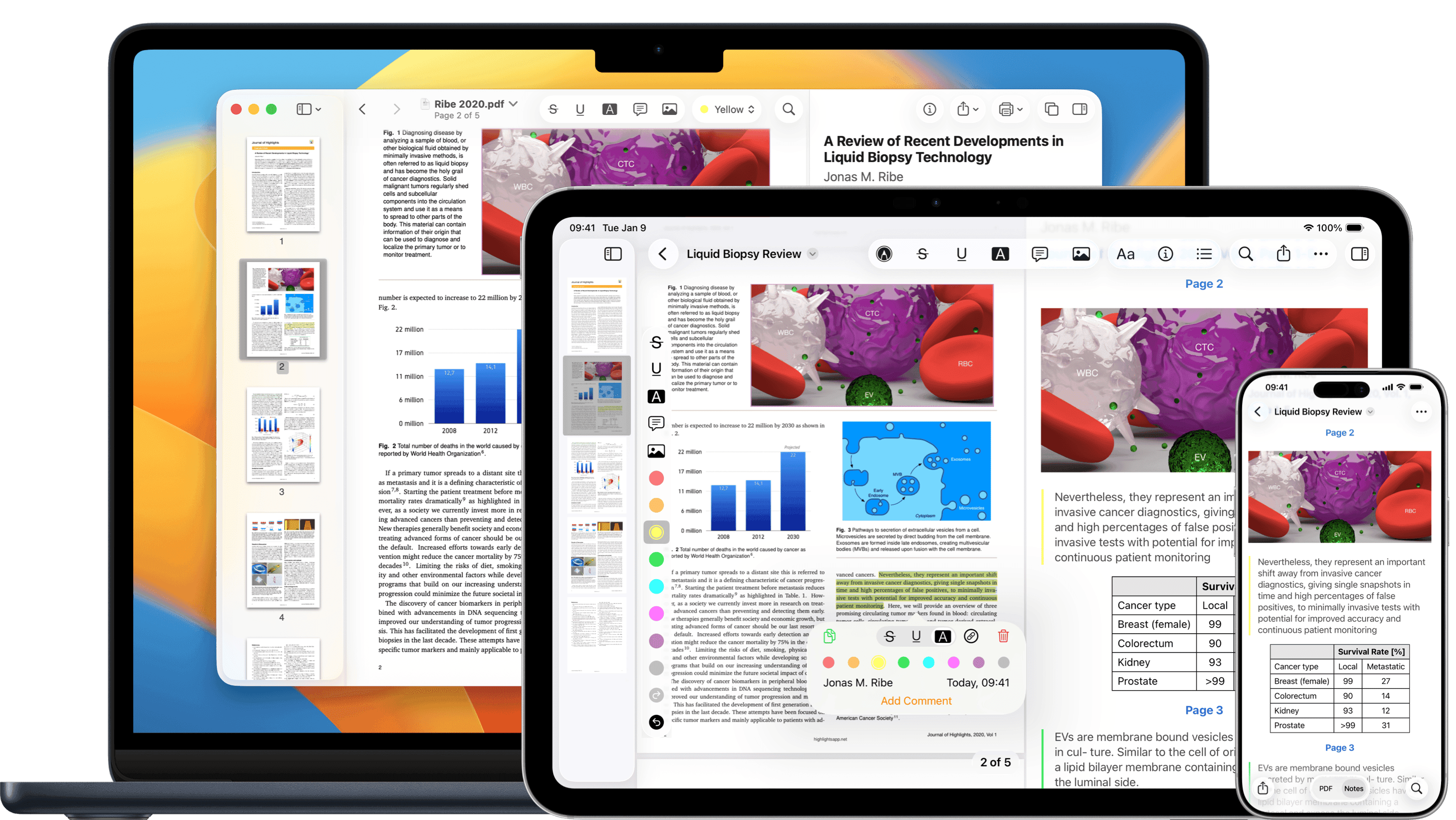
Your Smart Research Tool
Turns your PDF annotations into powerful notes.
Export Anywhere
It’s your notes, you decide where they go.
Ulysses
Evernote
DEVONthink
Keep It
nvALT
Bear
You can also export as Markdown, TextBundle, HTML, WebArchive and PDF files.
Annotate Faster
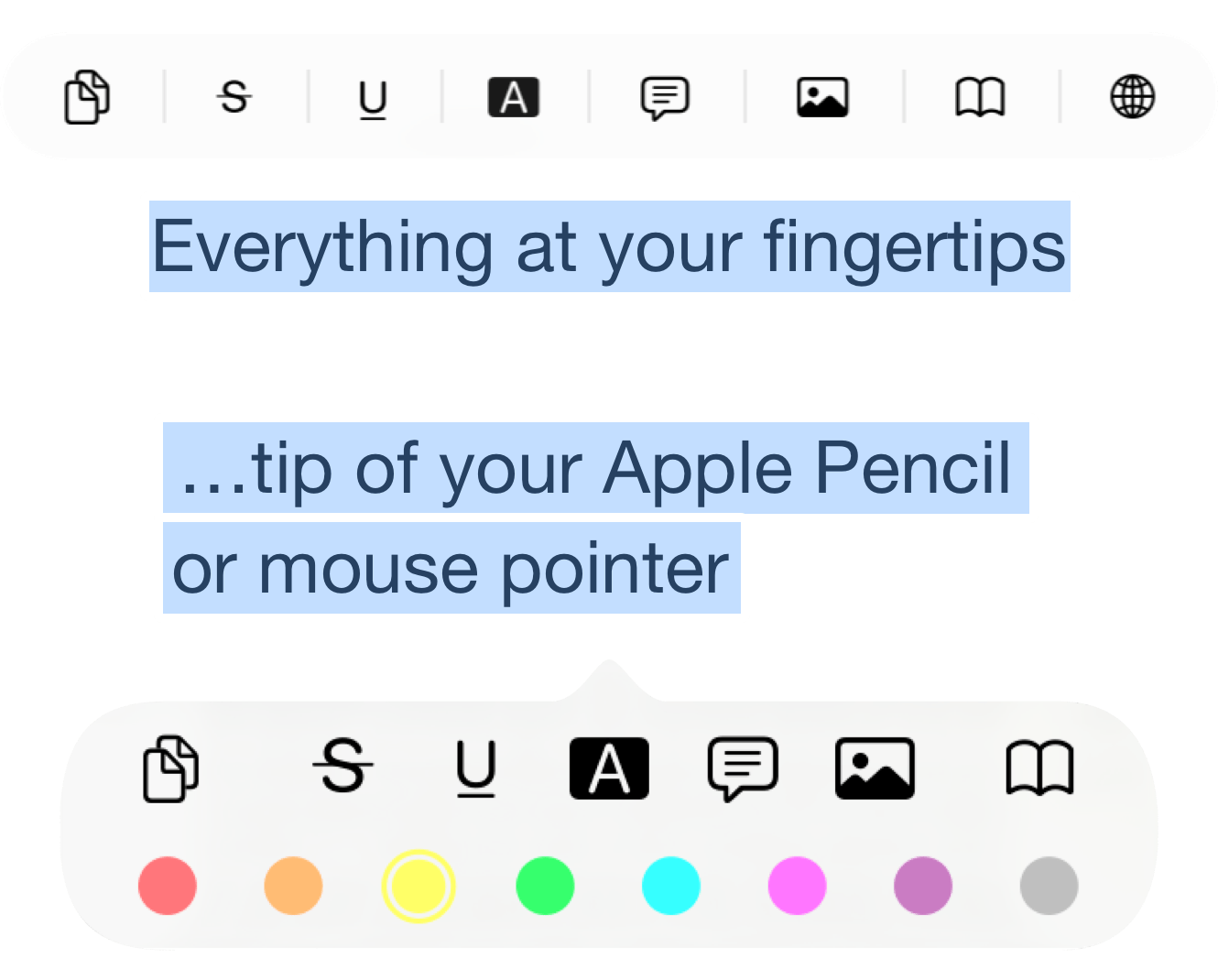
Use shortcuts and a smarter popover to annotate at the speed of thought.
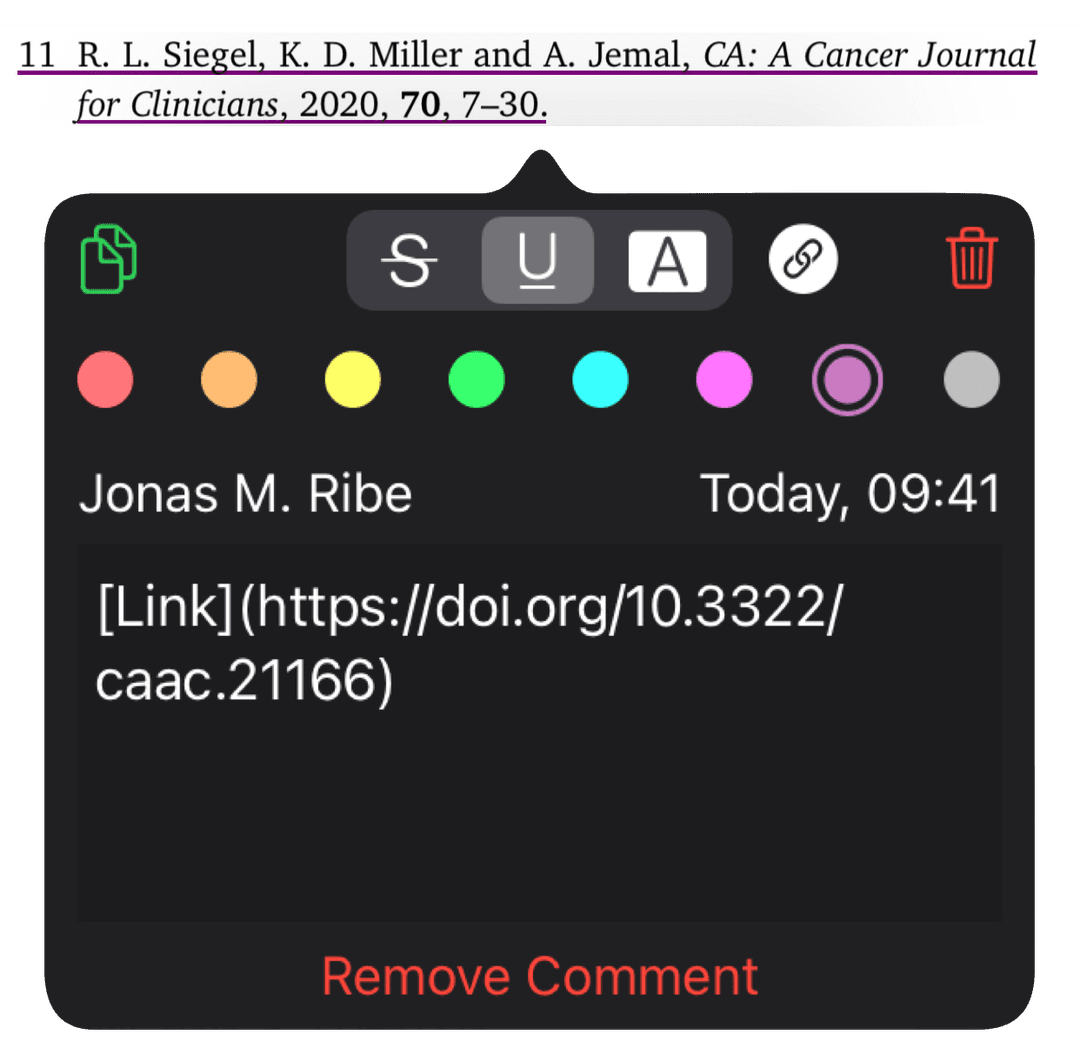
Lookup Citations
Automatically resolve references inside scientific articles.
Customize Appearance
Highlights supports dark mode and custom accent colors on all your devices.

US App Store



Average rating of 4.6 in the App Store.
“Best PDF annotation tool out there.”
“The best PDF reader for compulsive note takers I’ve ever used.”
“Simple to use and effective for adding notes to academic PDFs.”
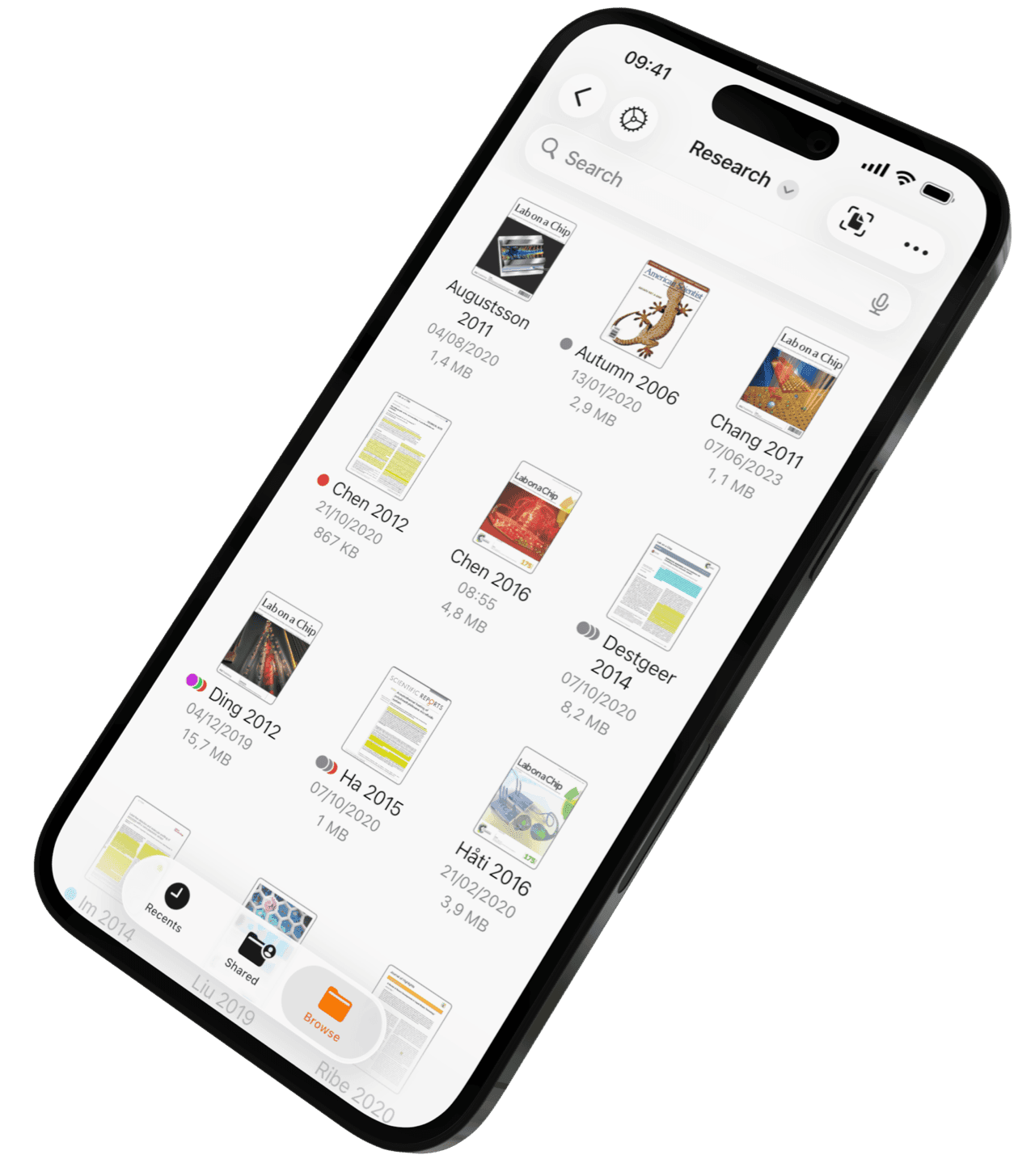
Document Browser
Browse, search, and organize all your PDFs in one place.

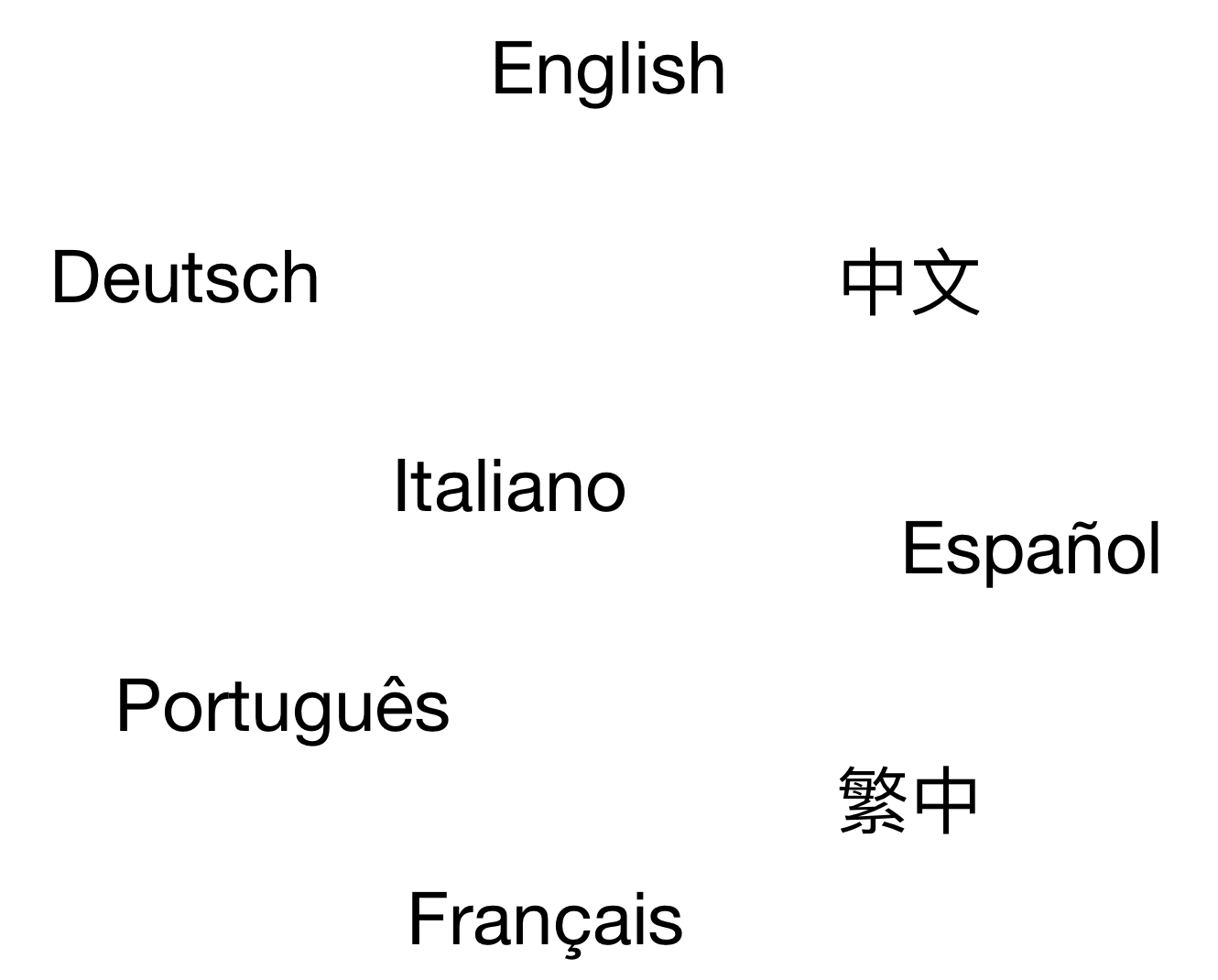
Multilingual OCR
Recognize and search text in scanned documents across many languages.
Smart Copy
Copy the right format for the job.

Images as PNG

Tables as CSV

Citations as BibTeX
And Much More..
See the full feature list →
Be First to Try PDF SuperApp
Launching soon on the App Store and Google Play. Join the waitlist and we’ll send you the download link the moment it goes live.